Dashboards: ask a question, get a chart that stays current
You connect the place where your company keeps its numbers, such as Snowflake, BigQuery or Databricks, or an app like Salesforce. Then you ask a question in plain language and get back a page of charts that updates itself when the data changes (Anthropic). Every chart shows the query behind it, so anyone can check where a number came from. Anthropic pitches it for "quick, exploratory questions, like how this week's signups compare with last month's."
We tried it on real data
We connected Google's BigQuery to Claude (one sign-in) and used the free public record of London's bike-hire rides, because Anthropic's video uses bikes too. This was the whole request:
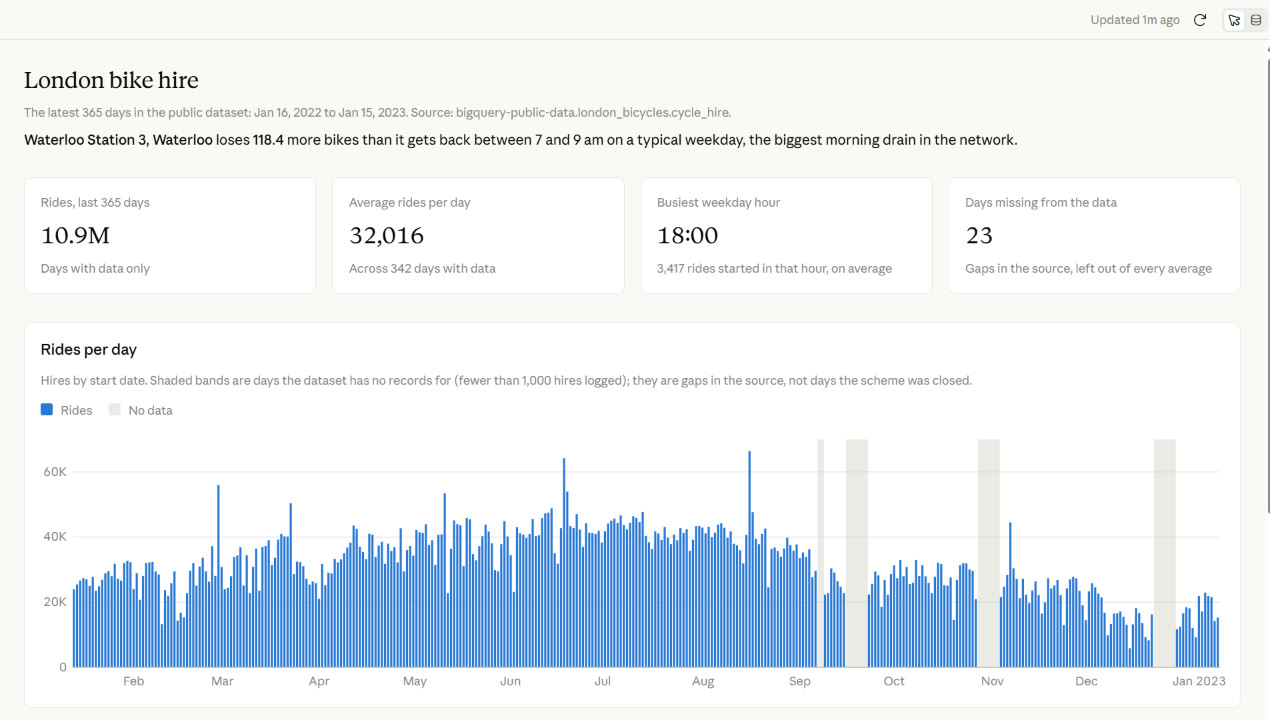
Build a dashboard from the public BigQuery dataset bigquery-public-data.london_bicycles (London bike-share hires). I want three things: rides per day across the most recent year in the data, rides by hour on a typical weekday, and the docking stations that run empty fastest in the weekday morning rush (more bikes leaving than arriving between 7 and 9 am). If a billing project is needed, use one from my Google Cloud account.
Claude asked one question first (which Google Cloud account should pay for the queries), asked permission before each query, and about six minutes later handed us this:
So we sent one more message:
This looks like a spreadsheet. Redesign it so people at an all-hands would actually want to look at it. Lead with a map of London: every docking station as a dot at its real latitude and longitude, coloured by whether it loses or gains bikes. Add a time slider from 5 am to 11 am on a typical weekday, with a play button, so you can watch the stations near the edges empty out and the centre fill up, hour by hour.
Click any number and a side panel shows the query that produced it. That is the real difference from asking a chatbot for a chart: you can see the working.
Motion: an explainer video with no video model
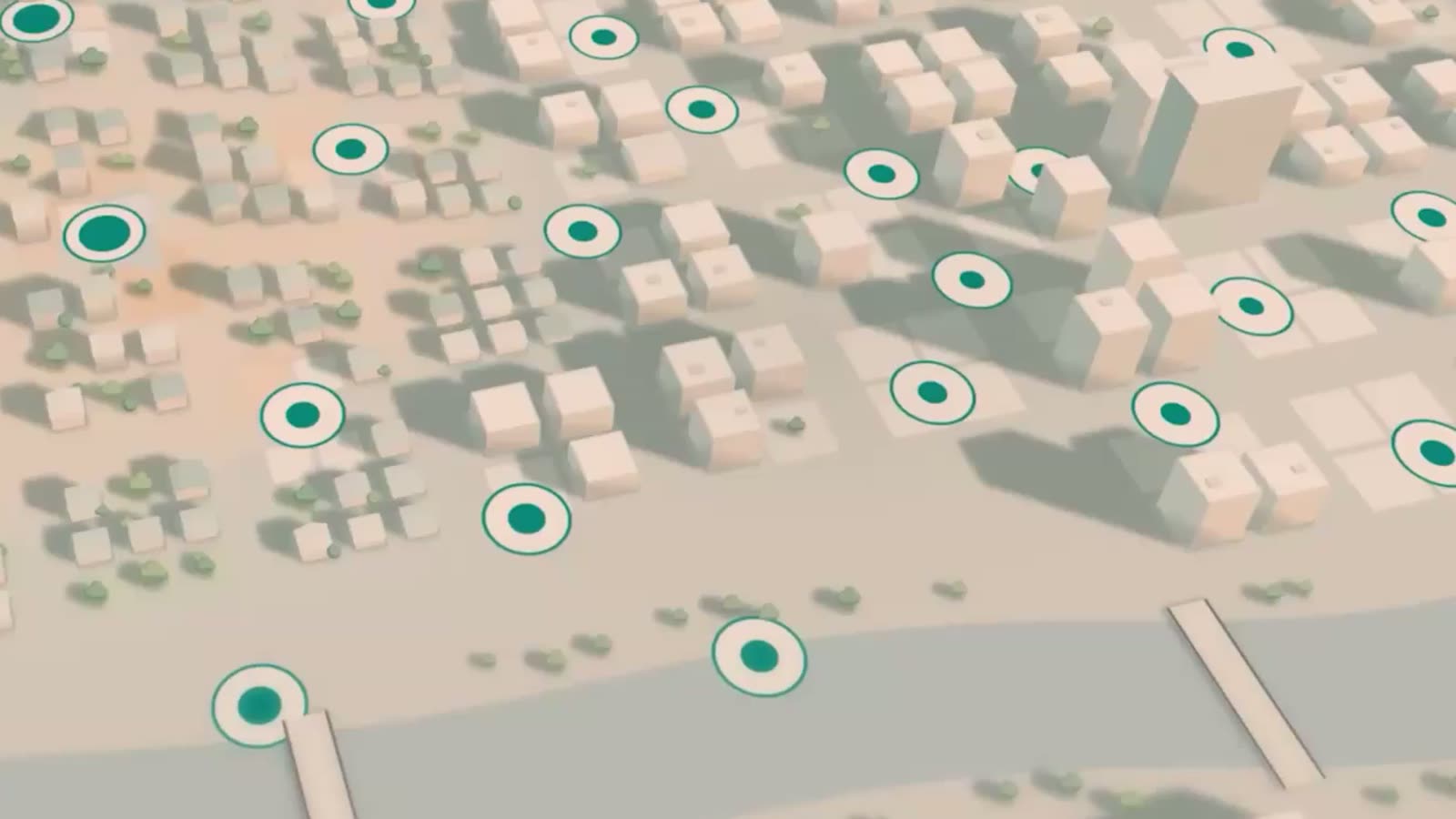
Motion turns a report, a chart or a few notes into a short animation: an explainer for the all-hands, an animated chart for the board, a product walkthrough for new customers (Claude help). The video at the top of this page is exactly that.
It "doesn't use a video generation model, so there's no generated footage and no AI-generated people" (Anthropic). Claude writes the animation as code, so you can change one word or number and the rest stays put, then download an MP4. We could not try it: Motion is only on Team and Enterprise plans. The same idea, done by hand, is in our guide Edit a video by talking to Claude.
Who gets what, and what changed for Docs, Slides and Design
| Feature | Plans |
|---|---|
| Dashboards (beta) | Pro, Max, Team, Enterprise |
| Motion (beta) | Team, Enterprise |
| Docs, Slides, Design | Every plan, including Free |
On Enterprise, an admin has to switch the betas on first (Anthropic). Docs, Slides and Design are now out of beta and free. If you used the separate Claude Design site, it moves into the main app by 14 December 2026.
Before you connect company data
- Give it read-only access. The BigQuery connection we added can also make changes.
- Every opening runs the queries again, on your company's bill. Fine for a few people, worth a thought for a dashboard the whole company opens.
- If the dashboard is about people's work, such as sales per person, talk to the works council first (§ 87 BetrVG).
What to do this week
- On Pro or Max: try Dashboards on public data first. Our prompt above works as it is.
- On a Team plan: try Motion with "Turn this quarterly report into a 30-second explainer".
- Before you forward a chart: click the number and look at the query.